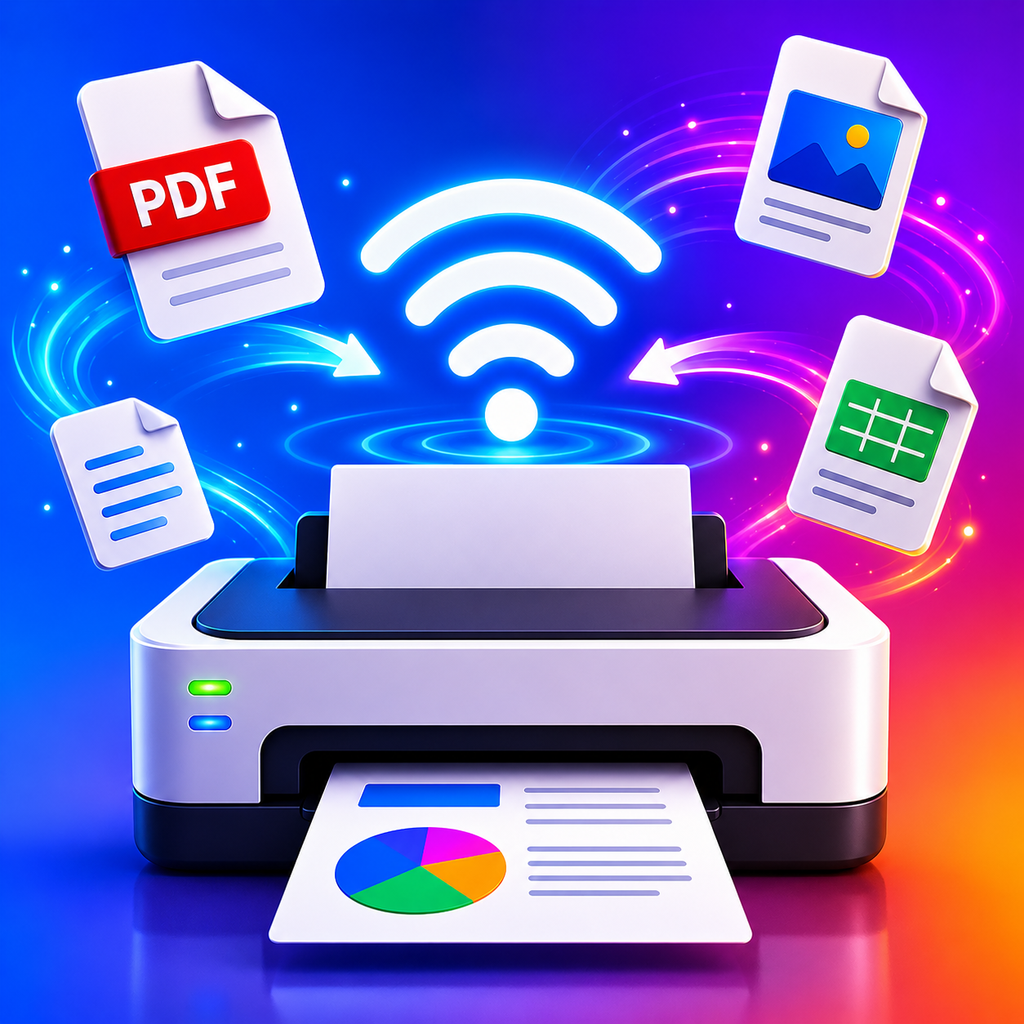
How PrintMeld works
PrintMeld connects your iPhone to network printers through a clear, practical workflow: choose content, select a printer, adjust the output, and send it.
One app for everyday printing
PrintMeld removes unnecessary steps between a file on your iPhone and a printer on your local network. You can start from the Files app or a photo library, find printers automatically, and keep frequently used devices close at hand.
A simple workflow
Open a document or image, select PrintMeld from the iOS share menu, choose a printer, review the settings, and send the job. If discovery does not find a device, add it manually by IP address.
Local-first printing
Files are processed on your device and print jobs are sent over your local network. Documents are not uploaded to third-party servers just to be printed.
What you can print and manage
- PDF documents
- Photos and images
- Files imported from iOS
- iCloud Drive, Google Drive, and OneDrive files
- Automatic printer discovery
- Manual printer setup by IP address
- Saved and multiple printers
- Print status and job history
- Color, grayscale, duplex, copies, pages, orientation, and paper size
PrintMeld is built for people who want to print from an iPhone without turning a simple print job into a complicated technical task.